
Release 0.9.3
Zabbix 6.0 LTS support and dashboard parity move the mobile reader forward.
v0.9.3 focuses on older Zabbix environments, more native dashboard cards, a cleaner iPhone tab bar, and more reliable dashboard refresh.
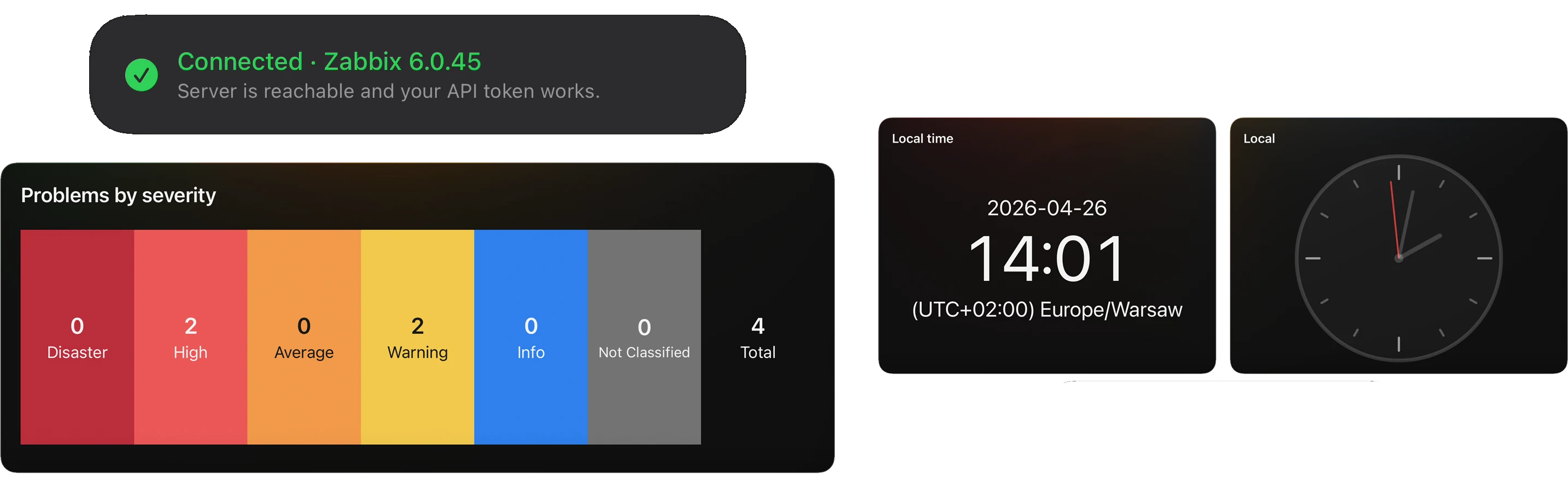
Zabbix 6.0 LTS
Older supported environments now have a clearer path into the iPhone workflow.
The connection test now identifies Zabbix 6.0 LTS as a supported line and gives Zabbix 6.2 and 6.4 their own restricted, untested compatibility path.
Dashboards
More dashboard widgets now render natively instead of falling back to unsupported cards.
The mobile dashboard reader now covers more of the monitoring widgets operators expect to check from an iPhone, including health summaries, clocks, and single-value cards.
App Shell
The main navigation now uses a native iOS tab bar with focused quick actions.
Problems, Hosts, Items, and Dashboards now sit in the system tab bar, while More, Refresh, and Search remain close to the current workflow.
iOS App Functionality
v0.9.3 expands Zabbix compatibility, makes dashboards more complete on iPhone, and refreshes the main app shell for faster daily monitoring.
- Added official support for Zabbix
6.0 LTS, with restricted, untested compatibility connections for Zabbix6.2and6.4so operators can test older environments with clearer expectations. - Added broader native Dashboards widget coverage, including Problems by severity, Host availability, Clock, and Item value cards.
- Improved Zabbix
6.0 LTSdashboard compatibility for problem filters, tags, acknowledgement states, graph overlays, classic graph references, and chart history loading. - Improved navigation by replacing the custom floating bottom deck with a native iOS tab bar for Problems, Hosts, Items, and Dashboards.
- Improved root Search so the floating search action expands into a full-width field, then collapses cleanly back into the quick action.
- Fixed manual Dashboards refresh so it reloads dashboard structure as well as widget data, helping new, moved, deleted, or reconfigured widgets appear without leaving the screen.